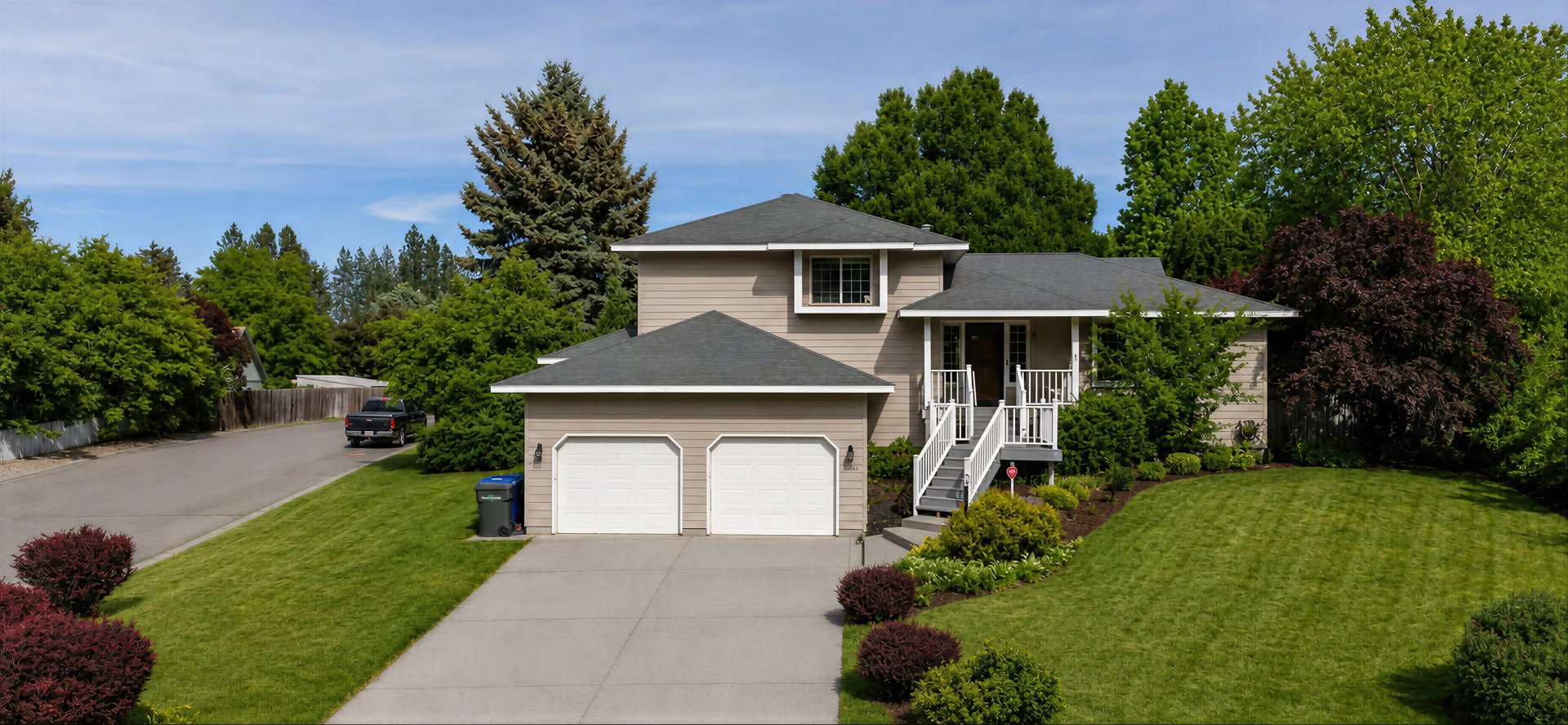

Modern city condo
Show compact spaces clearly with room-by-room navigation.
Houses360 helps real estate agents, property managers, and rental hosts turn 360 photos into branded property tours. Upload panoramic images, connect rooms, share a public link, and manage visitor inquiries from one dashboard.
Upload scenes, polish the tour, publish the link, and follow up from the dashboard or Android companion app without stacking on expensive listing tech.
Add panoramic images from your camera, phone, or field workflow and keep rooms organized by property.
Name rooms, order scenes, add property details, attach media, and prepare a professional owner-ready presentation.
Send one agent-branded tour link through email, text, QR codes, listing notes, or social posts.
Let interested buyers request information from the public tour while interest is fresh.
Houses360 can be used for vacation rentals, furnished stays, cabins, condos, and similar properties that need a shareable 360° listing tour beyond ordinary photos.
Show the full stay: organize bedrooms, kitchens, outdoor spaces, amenities, and views into one hosted tour.
Share anywhere: add the tour link to booking messages, property websites, QR codes, social posts, or guest guides.
Answer questions sooner: help guests understand layout, parking, workspaces, and sleeping arrangements before arrival.

Living room, kitchen, bedrooms, deck, dock, parking, and amenity notes in one easy link.

The Android app is a mobile companion for the live Houses360 dashboard. Create tours, upload scenes, review leads, and share links while you are still at the listing.
External-camera uploads: upload 360 photos exported to your phone from a 360 camera.
Fast sharing tools: copy links, use native Android share, and generate QR codes.
Lead follow-up: keep inquiries visible after buyers open a tour.
Show compact spaces clearly with room-by-room navigation.

Guide buyers through larger listings without losing context.

Pair immersive scenes with the photos and details buyers expect.
Choose the guide for your next step, from preparing your photos to publishing a tour on your website.
Houses360 is 360 virtual tour software for real estate listings and rental properties. Upload panoramic photos, arrange rooms, add navigation hotspots and property details, then publish a branded tour link and collect visitor inquiries.
Yes. Houses360 offers a free plan for creating and sharing property tours. Check the pricing page for current tour, scene, and image limits. Draft and archived tours also use free-plan tour slots until deleted.
For immersive room scenes, upload full 360 panoramic images exported from an external 360 camera. Ordinary listing photos can support the presentation, but Houses360 does not stitch phone-camera photos into 360 panoramas.
Buyers open a published public tour link in a phone, tablet, or desktop browser without installing an app. They can explore rooms and use the tour contact or showing-request form. Submitted inquiries appear in your Houses360 dashboard.
Start free, publish quickly, and upgrade only when your active listing or rental showcase workflow grows.